
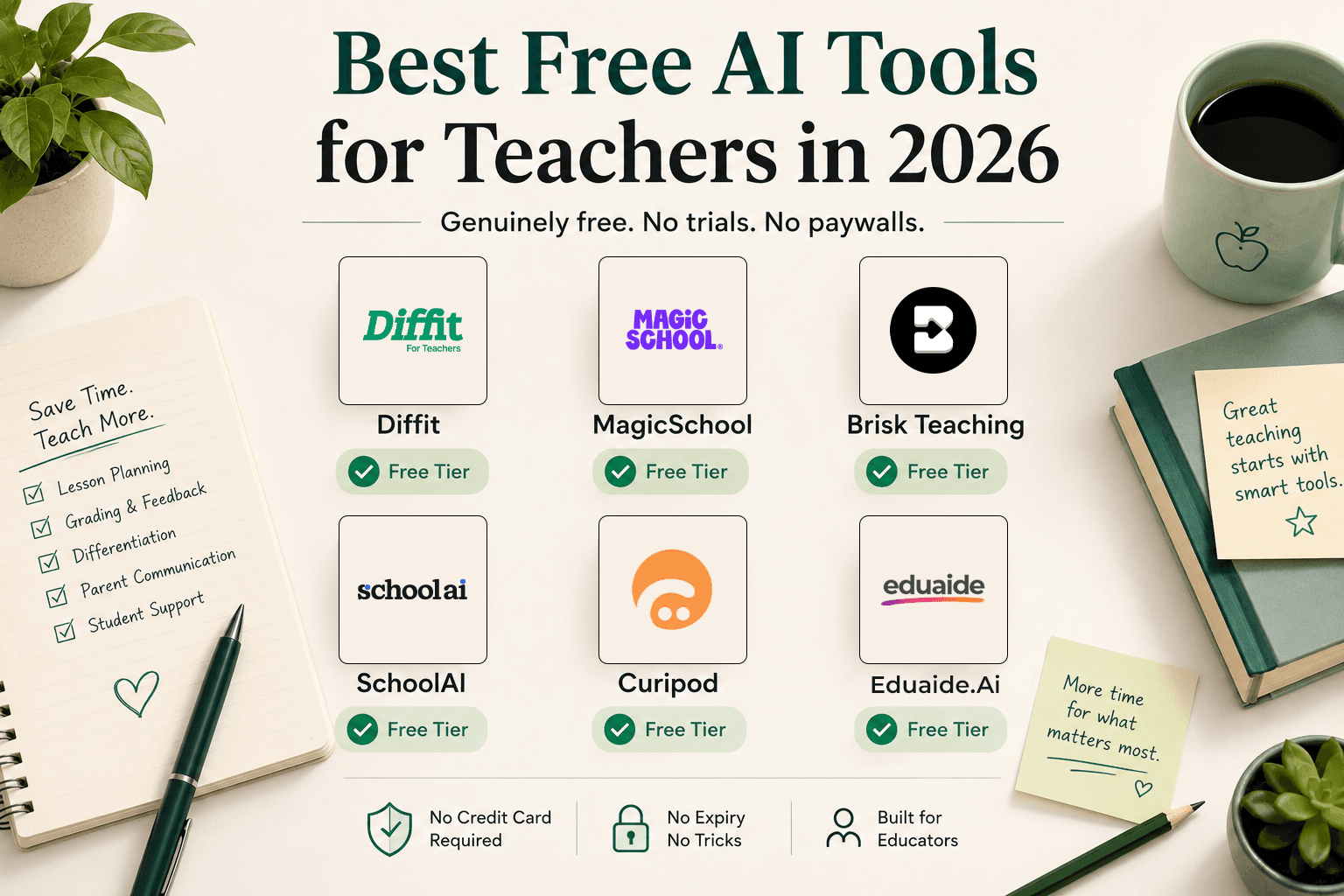
There is a difference between a free trial and a free tier. A free trial gives you 14 days or 10 uses before a paywall appears. A free tier gives you permanent access to a limited but genuinely useful set of features — no expiry, no credit card, no countdown timer.
Most "best free AI tools for teachers" articles don't make this distinction. They list tools with free trials and call them free. You sign up, spend an hour learning the interface, build your first lesson plan — and hit the paywall on day 15.
This list is different. Every tool here has a permanent free tier that covers a genuinely useful workflow. Some are unlimited. Some have monthly caps. All of them are still free six months from now.
Why free tiers matter more in education than anywhere else
Teachers make personal tool decisions differently than professionals in other fields. Most can't expense a $12/month subscription. Many work in districts where purchasing an EdTech tool for personal use requires IT approval that takes months. And many are in districts where strict FERPA review means any tool that touches student data needs clearance before use.
Free tiers solve all three problems: no budget required, no procurement process for a personal account, and teacher-facing tools with no student data collection can be adopted immediately regardless of district policy.
The tools below are organized by what the free tier actually covers — not what the paid tier offers.
1. Diffit — unlimited reading-level differentiation, free forever
What the free tier covers: The entire core workflow. Unlimited generation of leveled reading passages, comprehension questions, vocabulary lists, and graphic organizers from any topic, URL, PDF, or YouTube video. No generation cap. No expiry. PDF export included.
The one paid-only feature: Google Docs, Google Slides, and Microsoft Word export ($14.99/month Individual plan).
Diffit is the most genuinely unlimited free tier in this category. A teacher who needs differentiated reading materials — the same content at multiple grade levels simultaneously — can use Diffit every day, indefinitely, at no cost. The only reason to pay is if you need to edit the output in Google Docs rather than distribute it as a PDF.
For teachers with mixed-ability classrooms or ELL students, Diffit's free tier covers the most time-consuming differentiation workflow with no restrictions.
Zero student data collected. Students never log in. No FERPA review required.
Read our full Diffit review.
2. MagicSchool — 20+ planning tools, no expiry
What the free tier covers: 20+ educator-specific AI tools including lesson planning, quiz generation with answer keys, rubric creation, differentiated materials, IEP goal writing, parent communication letters, and basic Glow & Grow feedback. No generation limits on the free tier tools. No expiry.
The paid-only features: The full 80+ tool library, Studio Mode (in-app editing), and Raina — the student-facing AI tutor ($8.33/month Plus, billed annually).
MagicSchool's free tier covers more teacher workflows than any other free tier in the category. For a teacher who primarily needs lesson planning, quiz generation, and rubric creation, the free tier may be sufficient indefinitely.
The student-facing Raina tutor and the full tool library require Plus — but most teachers find 20+ tools more than enough to start.
FERPA and COPPA compliant. Common Sense Privacy certified.
Read our full MagicSchool review.
3. Brisk Teaching — unlimited feedback, works inside Google Docs
What the free tier covers: Unlimited feedback generation, lesson planning, quiz creation, reading level conversion, Create with AI (generate slides and documents), and Inspect Writing (process replay for student writing). No generation caps on any free tier feature. Works as a Chrome/Edge extension inside Google Docs, Slides, Forms, and Google Classroom — no context switch required.
The paid-only features: Turbo AI models, curriculum alignment, and admin dashboards (require a school or district contract).
Brisk Teaching's free tier is the most practically useful in the category for teachers who work primarily in Google Workspace. The batch feedback feature — which generates individualized Glow & Grow notes for an entire class set of Google Classroom assignments — is free and unlimited. For teachers whose primary time drain is written feedback on student work, this alone is worth adopting.
The extension model means no new app to open: the AI panel appears inside the document you're already working in.
FERPA and COPPA compliant. SOC 2 and GDPR compliant.
Read our full Brisk Teaching review.
4. SchoolAI — 5 student AI Spaces, free permanently
What the free tier covers: Up to 5 configurable student AI learning environments (Spaces), Chat with Dot for teacher lesson planning and resource creation, and basic progress tracking. Permanent — no expiry.
The paid-only features: Unlimited Spaces, advanced analytics, Chrome extension ($9.99/month Teacher Pro). Full LMS integration and SIS rostering require a School/District plan.
SchoolAI's free tier is unique in this list because it includes student-facing AI — not just teacher planning tools. A teacher can create 5 Spaces (configurable AI tutoring environments with guardrails the teacher sets) and deploy them to students via shareable link, with real-time Mission Control oversight showing every student's conversation.
For a teacher who wants to experiment with putting AI in students' hands during class — safely, with full teacher visibility — 5 permanent Spaces is a meaningful free allocation.
FERPA, COPPA, SOC 2 Type II, and ESSA Level III validated.
Read our full SchoolAI review.
5. Eduaide.Ai — 15 generations/month, 110+ resource types
What the free tier covers: 15 AI generations per month across 110+ resource types — lesson plans, unit plans, exit tickets, bell ringers, anticipation guides, rubrics, vocabulary word walls, graphic organizers, ELL and IEP differentiated variants, and more.
The paid-only features: Unlimited generations and the Erasmus AI refinement assistant ($5.99/month Pro — the lowest paid tier in the category).
The 15-generation monthly cap is the most restrictive free tier on this list. For a teacher who plans 4–5 lessons per week, 15 generations will run out in the first week. The free tier is more accurately a generous evaluation period than a long-term free workflow.
What makes it worth including: Eduaide.Ai's 110+ resource types is the widest range in the category by a significant margin, and the $5.99/month Pro upgrade is the cheapest unlimited AI planning workspace available. Teachers who evaluate it on the free tier and find it fits their workflow are upgrading to the most affordable paid option in the category.
FERPA-safe by design. Teacher-facing only, zero student data collected.
Read our full Eduaide.Ai review.
6. Curipod — free interactive lessons, weekly session limits
What the free tier covers: A limited number of weekly teaching sessions with full interactive lesson functionality — AI-generated slides, polls, word clouds, open-ended questions, student response collection in real time, and 3 free standards-aligned test prep lesson templates. The Do Magic one-click lesson generator is available on the free tier.
The paid-only features: Unlimited sessions, extended student response length (2,300 characters vs. 1,000), custom rubric AI feedback, student progress reports, and shared school folders (School/District plan, custom pricing — no individual paid tier currently available).
Curipod's free tier is the right starting point for teachers who want to try AI-generated interactive lessons with live student response data. The weekly session limit means it's not viable as a daily classroom tool on the free tier — but it's sufficient to evaluate whether the live engagement format fits your teaching style before proposing a school plan to administration.
FERPA, COPPA, and GDPR compliant.
Read our full Curipod review.
How to choose based on your biggest time drain
You spend too much time on feedback and grading: Brisk Teaching's unlimited batch feedback is the single highest-ROI free tool for this use case. Install the Chrome extension and try it on your next class set of assignments.
You spend too much time creating materials from scratch: MagicSchool's 20+ free tools cover lesson plans, quizzes, rubrics, and differentiated materials. Start here if you want breadth.
You need differentiated reading materials regularly: Diffit's unlimited free tier is purpose-built for this. No other free tool matches its differentiation output quality.
You want to try AI in your classroom with students: SchoolAI's 5 free Spaces let you configure and deploy student AI experiences with full real-time oversight at no cost.
You want to evaluate the widest range of resource types: Eduaide.Ai's 15 free generations let you test its 110+ resource type library. Use them strategically — one lesson plan, one rubric, one ELL variant, one exit ticket — before deciding whether to upgrade.
What to avoid: free trials disguised as free tiers
Several popular AI tools offer what appears to be a free tier but is actually a time-limited trial:
- Tools that give you "unlimited" access for 7–14 days then require a credit card
- Tools that give you a generation count (5–10 uses) that runs out within one week of normal use
- Tools that require a school email and then send a sales pitch when the trial expires
The six tools above have genuinely permanent free access. When evaluating any AI tool for teachers not on this list, ask specifically: does the free tier expire? Is there a generation cap that resets monthly or one-time? The answer tells you whether it's a free tier or a free trial with extra steps.
The FERPA question for free tools
For teacher-facing tools (Diffit, MagicSchool, Brisk Teaching, Eduaide.Ai), FERPA compliance is straightforward on the free tier because these tools don't require student data input for their core functions. A teacher generating a lesson plan or rubric is not inputting student data.
For student-facing tools (SchoolAI, Curipod), FERPA applies when student interactions are collected. Both SchoolAI and Curipod have FERPA-compliant data processing — but teachers in districts with strict EdTech approval processes should verify district approval before deploying these tools to students, even on free tiers.
For tools not on this list that are not education-specific (ChatGPT, general AI tools), avoid inputting any student names, work samples, or identifying information without verifying the vendor's FERPA compliance status and signing a data processing agreement.
For a full breakdown of AI tools for teachers — free and paid — see our best AI tools for teachers guide.